Bobbin
Loom Starter at a glance (checked 22 October 2026)
- 5 minutes per screen recording
- 25 videos and screenshots per person, archived ones included
- Up to 720p video quality
- No downloads for Starter users
- Up to 50 free members per workspace (10 if your workspace is integrated with Atlassian, which applies to sign-ups after February 2026)
The 5-minute recording limit
Loom's help centre: "Loom Starter users have a five-minute recording duration limit." While you record, the timer under the Stop button starts at 5:00 and counts down. At 0:00 the recording ends. Business, Business + AI and Enterprise have unlimited recording time.
What it means in practice: a code walkthrough, a lesson or a product demo often runs 8 to 20 minutes. On Starter you have to split it into several videos, which also eats into the 25-video allowance.
The 25-video limit
Starter allows 25 videos per person, and the count includes archived videos and screenshots. Loom says it won't delete anything if you go over (for example after downgrading), but you can't record a new video until you delete some or upgrade.
Tip: archiving doesn't free a slot; only deleting does. Download isn't available on Starter either (see below), so before deleting anything, make sure you don't need it.
720p quality
The pricing page lists "Video quality up to 720p" for Starter and "High-def up to 4k" for Business. 720p is fine for faces and slides, but small text (code editors, spreadsheets, dense dashboards) can look soft. Recording one window at a larger zoom helps.
Why "Download" is missing or greyed out
From Loom's help page on downloading: "Admins/creators on a Starter Free plan cannot download videos. Creator Lites can't download videos on any plan." The download option appears for admins and creators on Business, Business + AI and Enterprise, and an admin may also need to allow downloads. Loom also notes that downloaded files don't include CTAs, chapters or captions, and videos over 20 GB can't be downloaded.
So on the free plan, your video lives only in Loom. If you need an MP4 for YouTube, an LMS, a client hand-off or an archive, you need a paid plan or a different recorder.
What Starter does include
To be fair to Loom, the free plan is genuinely useful: screen and cam bubble recording, system audio, background noise suppression, virtual backgrounds, speaker notes, transcriptions, comments and emoji reactions, viewer insights, Slack/Jira/GitHub integrations, and unlimited screenshots. For short, linked updates, it's hard to beat.
Competitor facts checked on 22 October 2026 from their own pages: loom.com/pricing · Loom help: How long can I record? · Loom help: Starter plan FAQ · Loom help: Download your Loom video. Plans change often; check the linked page before you decide.
Your options when you hit the limits
- Keep videos short and delete old ones. Free, and fine if you send a few quick updates a week.
- Split long recordings into parts. Works, but costs you videos from the 25 and is awkward for viewers.
- Upgrade to Business ($18 per user per month on the pricing page; 14-day trial of Business + AI). Worth it if you use links, comments and analytics every day.
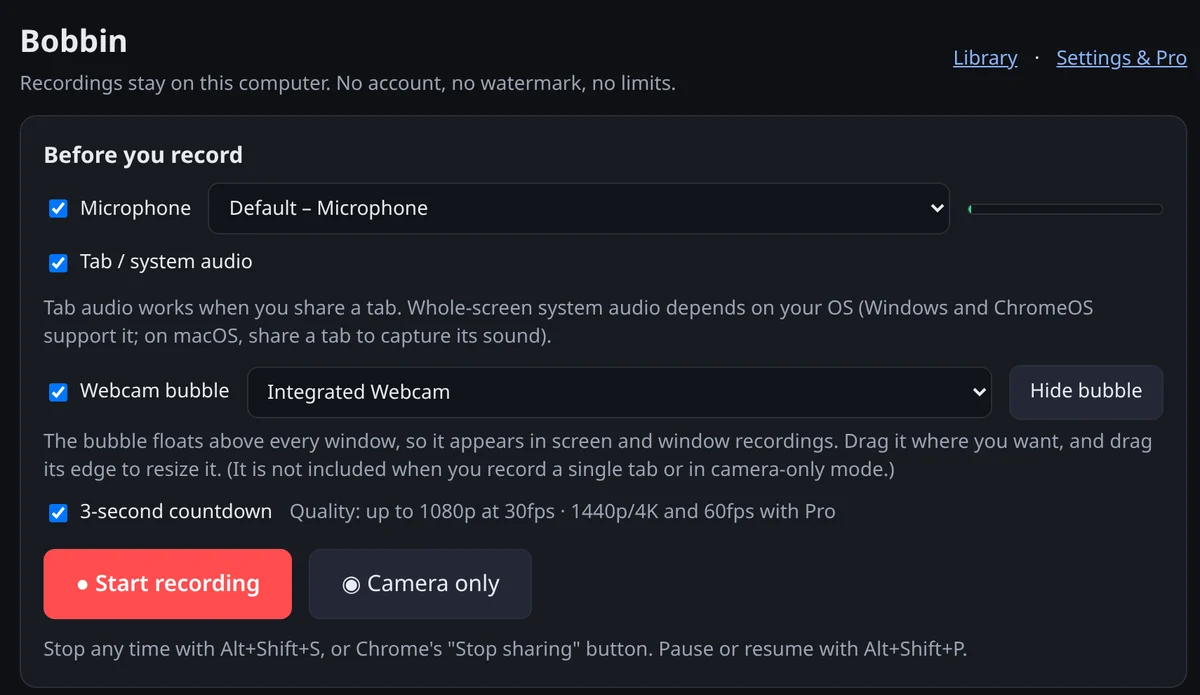
- Use a recorder without those limits for long or file-based work. Bobbin is a free Chrome extension with no time limit, no video limit and no account, and it saves an MP4 on your computer. It has no share links, comments or transcripts, so many people keep Loom for quick messages and use Bobbin for the rest.