 Bobbin
Bobbin at a glance
- What it is
- A Chrome extension that records your screen, a window or a tab with a webcam bubble, or just your camera, and saves the video on your computer.
- Price
- Free. Optional Pro: $24 once or $4.99 a month for the first 100 Pro customers (founding price), then $39 once or $5.99 a month. 7-day money-back guarantee.
- Free plan limits
- No watermark, no time limit, no video limit. Up to 1080p at 30fps. Limited only by your disk space.
- Account
- None. There is no sign-up or sign-in.
- Where videos go
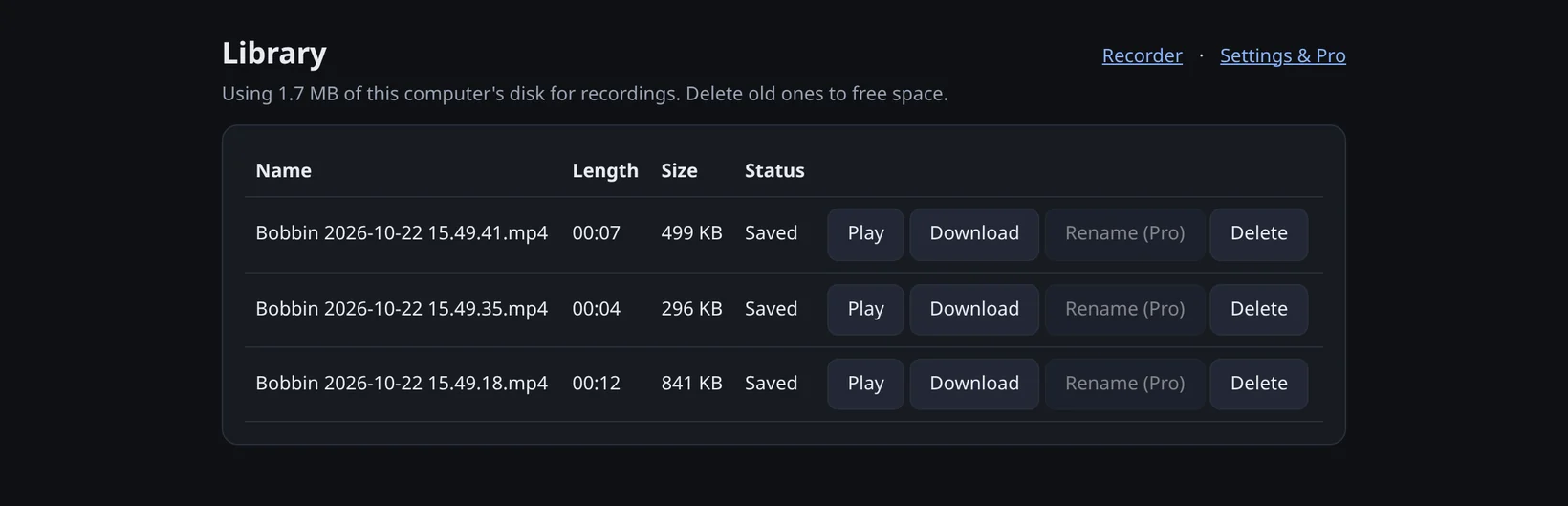
- Saved on your computer, in your browser's storage, until you download or delete them. Nothing is uploaded.
- File format
- MP4 where the browser supports it (Chrome 126 or newer), WebM otherwise.
- Audio
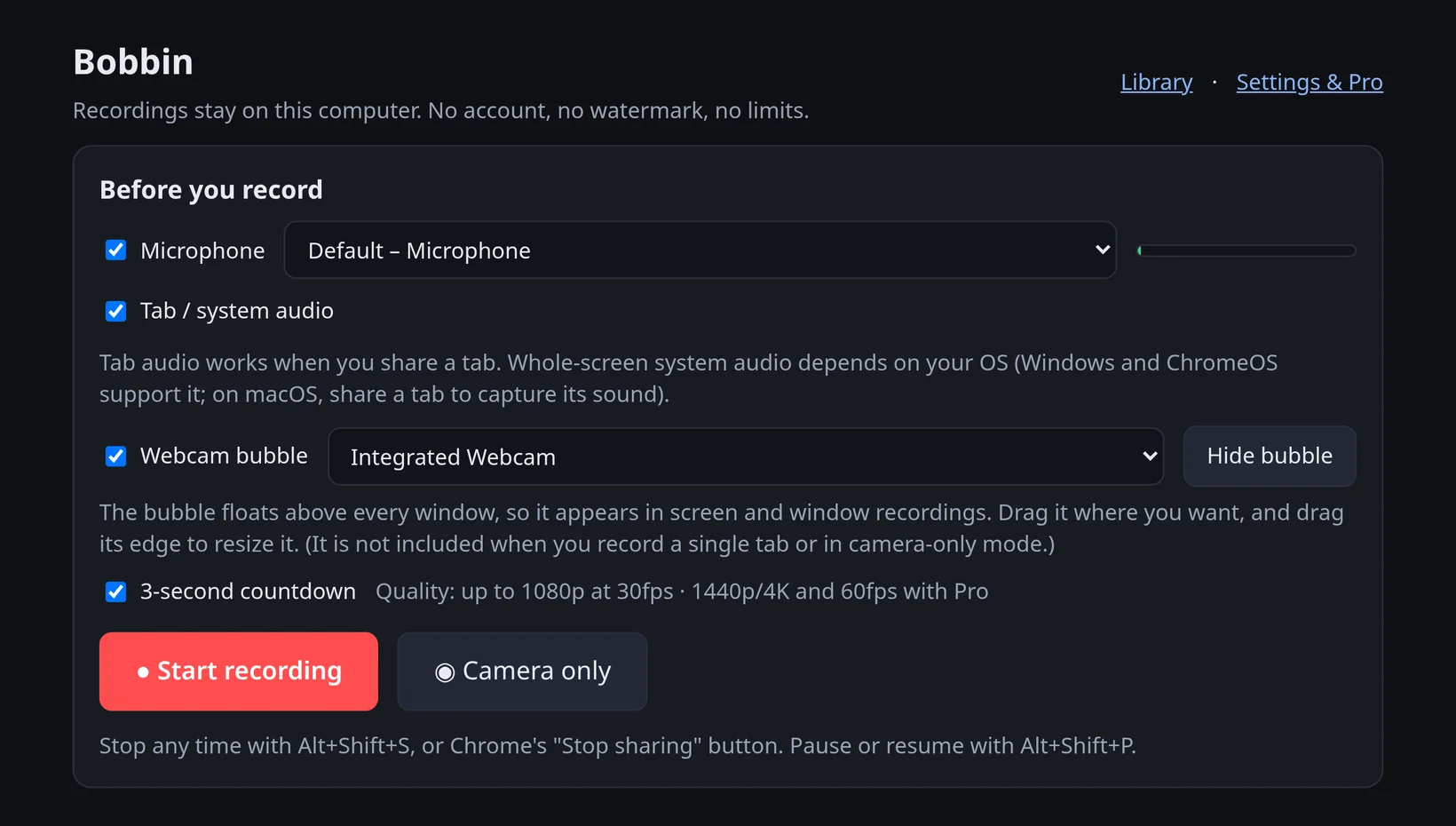
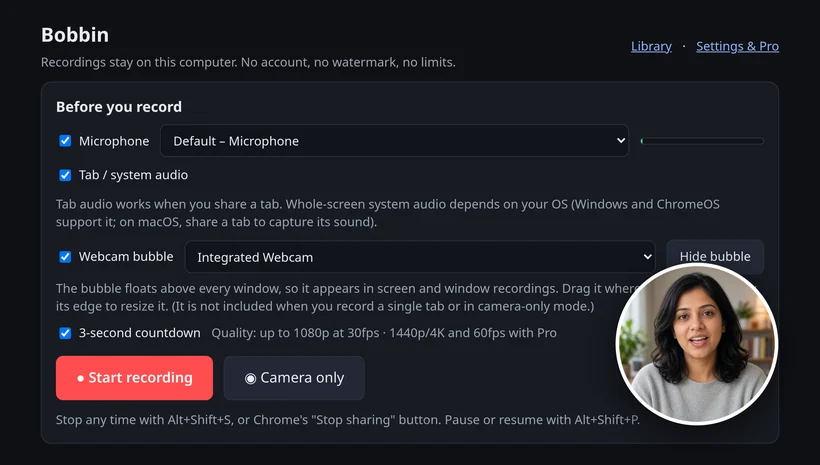
- Microphone and tab audio; whole-screen system audio on Windows and ChromeOS. Uses Chrome's built-in echo cancellation and noise suppression.
- Webcam
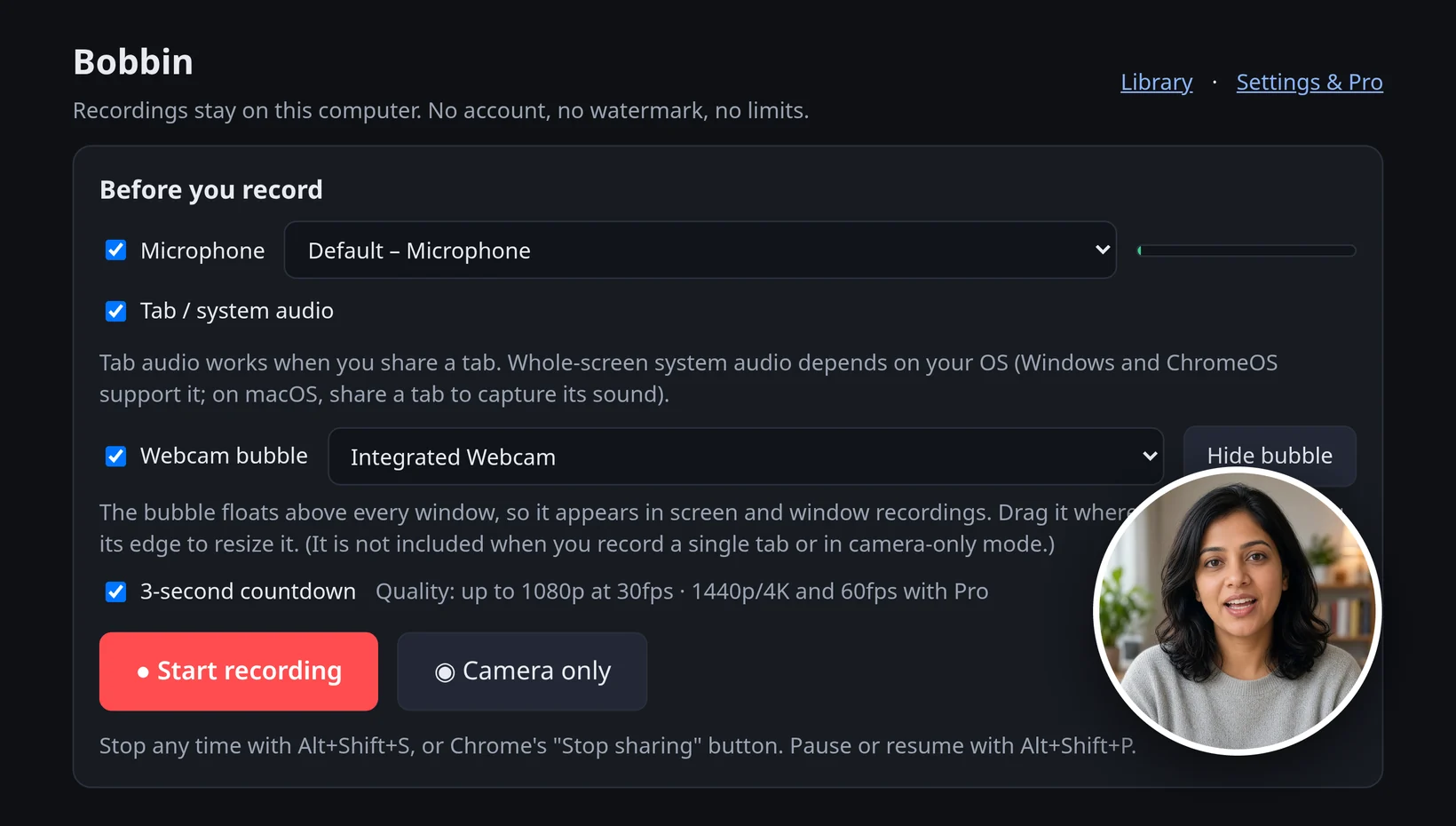
- A webcam bubble appears in screen and window recordings (not in single-tab recordings). Camera-only mode records just your webcam and mic.
- Works on
- Google Chrome and other Chromium browsers (Microsoft Edge, Brave) on Windows, macOS, Linux and ChromeOS. Needs Chrome 116 or newer.
- Doesn't work on
- iPhone, iPad, Android, Safari or Firefox.
- Privacy
- No account, no uploads, no analytics or trackers in the extension. Permissions: storage, unlimitedStorage and alarms only.
- Reliability
- Recordings are written to disk every second, so a crash or closed tab doesn't lose the take.
- Controls
- Pause or resume with Alt+Shift+P, stop with Alt+Shift+S, 3-second countdown, timer on the toolbar icon, discard a take.
- Pro adds
- 1440p, 4K and 60fps where your screen and computer support it; webcam bubble size, shape, border and mirror; auto-stop timer; custom file names and renaming in the Library; use on up to 3 devices.
- Doesn't do
- Share links or cloud hosting, editing or trimming, transcripts or captions, drawing on screen, GIF export, viewer analytics, team workspaces or mobile apps.
- Availability
- Launching on the Chrome Web Store soon. The Install page has the link as soon as it is live.
- Website
- getbobbin.app · support: support@getbobbin.app
Boilerplate descriptions
One line (about 20 words):
Bobbin is a free Chrome extension that records your screen, a window or a tab with a webcam bubble, and saves the video on your computer: no account, no watermark, no time limit, no upload.
Short (about 50 words):
Bobbin is a private screen and webcam recorder for Chrome. Record your screen, a window or a tab with your webcam in a bubble, or just your camera, and get an MP4 on your computer. The free plan has no watermark, no time limit and no video limit, and there is no account and no upload.
Long (about 100 words):
Bobbin is a Chrome extension for people who want to record their screen and keep the file. It records the entire screen, a window or a single tab, with microphone and tab audio and a webcam bubble, or just the camera. Videos are saved on your computer as MP4 (WebM on older browsers) and are never uploaded: there is no account, no analytics and no cloud. The free plan records up to 1080p with no watermark, time limit or video limit. Bobbin Pro, a one-time or monthly upgrade, adds 4K and 60fps where supported, webcam bubble styling and an auto-stop timer.
Naming
- Write Bobbin (capital B). The Chrome Web Store listing name is Bobbin – Screen & Webcam Recorder.
- The paid upgrade is Bobbin Pro. The free version is Bobbin Free or just Bobbin.
- Website: getbobbin.app.
Assets
- Logo: logo.png
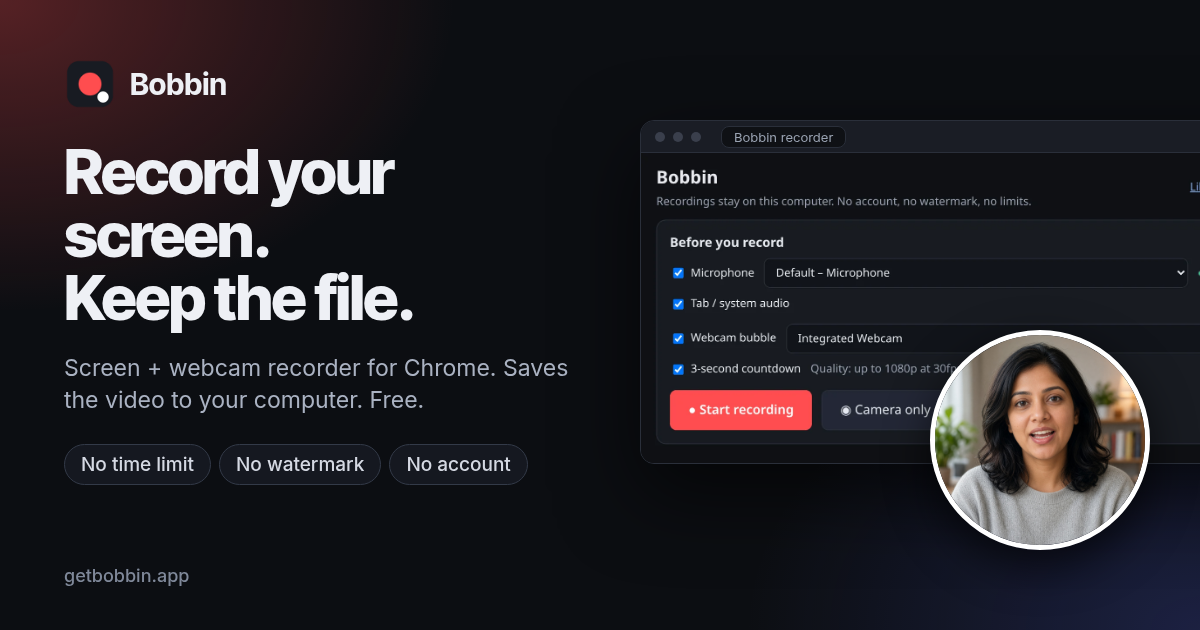
- Social preview image: og-image.png (1200×630)
- Screenshots: recorder setup, webcam bubble, Library
- Machine-readable summary: llms.txt and llms-full.txt
Contact
Questions or corrections: support@getbobbin.app. More in Contact, Privacy and Pricing.